
Checked: November 7, 2026
Cut a Gem Roblox Offline Production: AFK Return Checks
Cut a Gem players often ask whether offline production is working, how much a grinder should make while they are away, or why a return session looks smaller than expected. The public Roblox description supports the broad idea that grinders continue while you are offline, but it does not publish a stable AFK rate, queue cap, purity multiplier, or guaranteed return value. This guide gives you a repeatable way to check the workshop when you come back without turning one server result into a universal formula.

Quick answer
Quick answer
Treat an offline return as a separate test. Before moving anything, note how long you were away, count the visible output and queue, check whether the grinder and conveyor are idle, and record the current geode or gem state. Compare returns with similar layouts and similar absence times. The game description confirms the offline loop, but it does not verify an exact number per minute, so this page reports observed output rather than promising a fixed AFK rate.
What Cut a Gem offline production can confirm
What Cut a Gem offline production can confirm
Start with the claim that can actually be checked. The public experience description describes grinders that keep working while a player is away, alongside the normal geode, grinder, conveyor, buyer, and profit loop. That gives you a useful test boundary: an offline return should be judged by what the workshop visibly produced, not by a copied promise about a fixed number of gems per hour.
The description does not expose every variable that could affect a return. It does not give a permanent AFK rate, a queue cap, a server handoff rule, an event multiplier, or a purity-to-value equation. A guide that fills those gaps with precise numbers may look helpful but cannot be audited after an update. Keep those items as unknown until the game or a dated source shows them.
Use three labels in your notes. “Observed” is a value you saw when you returned. “Measured” is a value calculated from comparable timestamps or counts. “Context” is a condition such as a layout change, event, server, or input geode. This small vocabulary prevents an observation from quietly becoming a fact.
- Observed — Visible gems, queue items, machine state, and the return time
- Measured — Output divided by a comparable offline interval
- Context — Layout, input, event, server, and any upgrade change
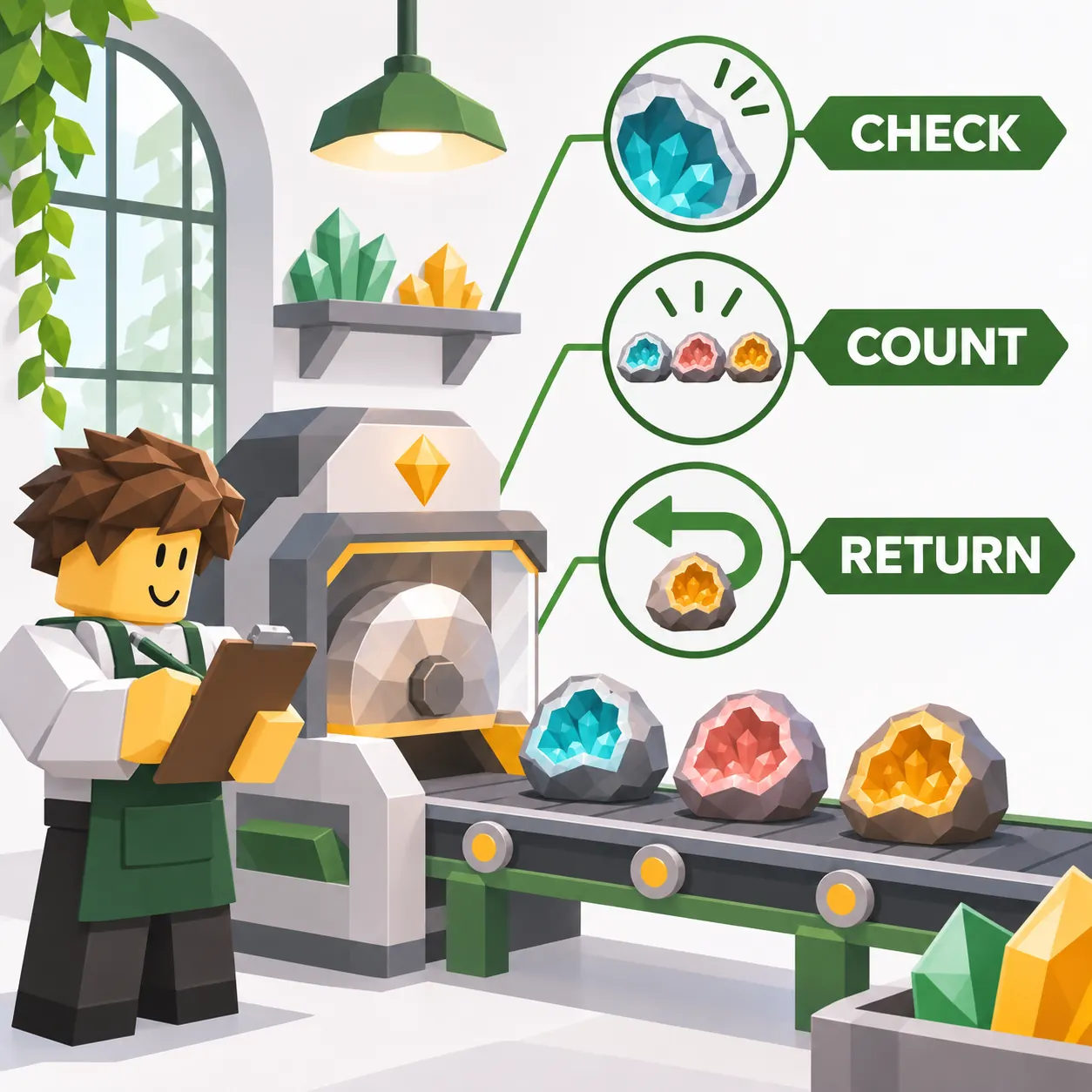
Return checklist before moving the workshop
Return checklist before moving the workshop
The first minute after you return is the most valuable evidence window. Do not pick up the grinder, empty the conveyor, or sell the first visible item before taking a quick record. A reset action can erase the queue state that explains why the output looks high or low. Note the local time, the approximate time away, the server or event context, and the layout you left behind.
Count the output in one consistent way. If the line shows finished gems, count those. If it shows raw geodes, count those separately. If an item is still being processed, mark it as in progress instead of calling it a completed result. The difference matters when you later compare a return that happened during a machine cycle with a return that happened between cycles.
After the first count, inspect the input, grinder, conveyor, output area, and buyer offer point in that order. A queue that is full or empty tells you a different story from a machine that is visibly stopped. Capture the current state in a note before you make a layout change.
Stamp the return
Write the return time, time away, server, event, and layout label.
Count without clearing
Separate finished output, raw inputs, and items still processing.
Trace the line
Check input, grinder, conveyor, output, then the buyer point.
Save the baseline
Keep the note even when the result is disappointing or incomplete.
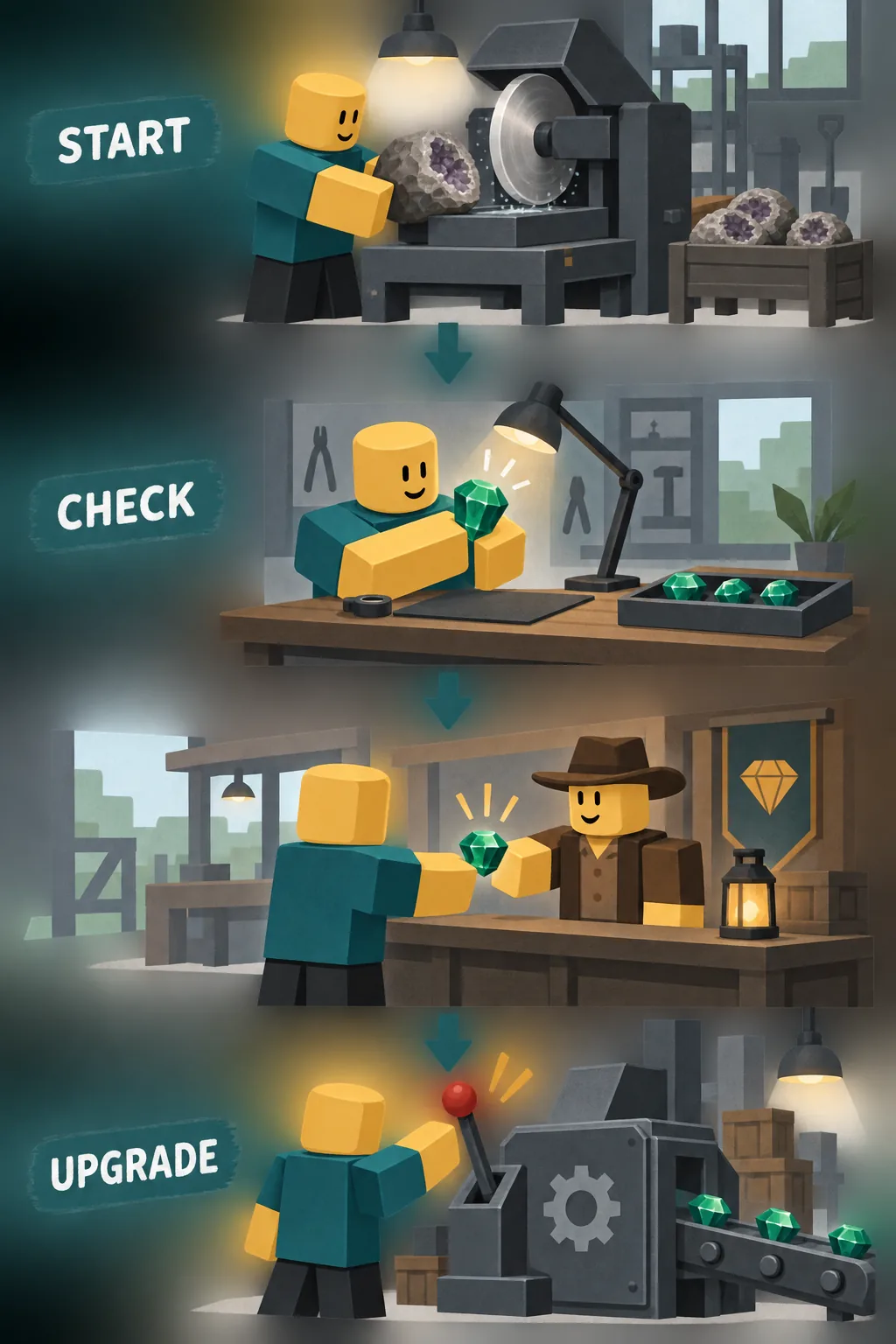
Read the queue and find a stall
Read the queue and find a stall
A low return does not automatically mean that offline production failed. The queue can show where the line stopped. No input suggests a supply problem. Input waiting beside an idle grinder suggests a machine or placement problem. A grinder output that cannot move points to conveyor spacing or the next station. Finished items waiting near the buyer point may be a collection or sale timing issue.
Check one stage at a time and write the first visible wait. The first wait is a better starting point than the last item you noticed, because downstream empty space can be a symptom of an upstream delay. If the queue is full, record the cap as an observation; do not assume the game has a permanent cap unless a current source documents it.
Server changes and temporary events deserve their own context label. If you return to a different server, or an event began while you were away, compare that return separately. Mixing it with ordinary sessions makes an already small sample look more certain than it is.
| Visible state | First check | What you can say | What you cannot claim |
|---|---|---|---|
| No input | Geode supply and starting stock | This return had no visible input | A permanent offline disable |
| Input waiting | Grinder position and readiness | The input reached a wait point | A fixed machine speed |
| Grinder output stopped | Conveyor path and spacing | The line had a visible stall | A universal best layout |
| Output at buyer | Sale timing and current item | Output reached the final stage | A guaranteed profit rate |
Compare offline and active runs fairly
Compare offline and active runs fairly
An offline return and an active run answer different questions. The return tells you what accumulated while you were away. An active run lets you watch timing, idle gaps, and the moment a queue changes. Use the active session to explain the return, not to substitute a one-minute count for a multi-hour absence.
Keep the input and layout stable for the first comparison. Use similar absence intervals, or report output per hour only when the timestamps are clear enough to support that calculation. If one sample includes an event, a code reward, a new totem, or a different geode, keep it in a separate row.
Three comparable samples are more useful than one impressive number. If the samples disagree, report the range and inspect the first wait again. A cautious range helps you decide what to test next without pretending to know a hidden formula.
| Run | Keep stable | Record | Decision use |
|---|---|---|---|
| Offline return | Layout and input | Away time, output, queue | Check accumulation |
| Active watch | Same layout | Idle gaps and stage | Explain a stall |
| Changed setup | One variable only | Before/after notes | Test a hypothesis |
| Event or server change | Separate row | Context and timestamp | Do not blend into baseline |

Choose one workshop change after the test
Choose one workshop change after the test
Make a change only after the baseline is saved. If the first wait is at input, test supply or placement. If the grinder is ready but the conveyor stalls, test spacing or the next station. If the line completes but the buyer result changes, move to the buyer-offer guide and record the item, purity, offer, and completion time instead of guessing a price multiplier.
One change per test keeps the conclusion readable. Moving the grinder, buying gear, adding a totem, and changing the input together may improve the next return, but it will not tell you which action mattered. Keep the old arrangement long enough to reproduce the baseline, then change one variable and repeat both an active watch and an offline return.
Do not use a script or a login form to inspect hidden production values. A tool that asks for Roblox credentials can put the account at risk and still provide no reliable game-state evidence. The safest result is a dated note that another player could understand and repeat.
- Input stall — Test supply or placement before buying speed
- Machine stall — Test the grinder or conveyor path
- Output variation — Record purity, offer, and completed-sale time
- Unclear result — Repeat the baseline instead of stacking upgrades
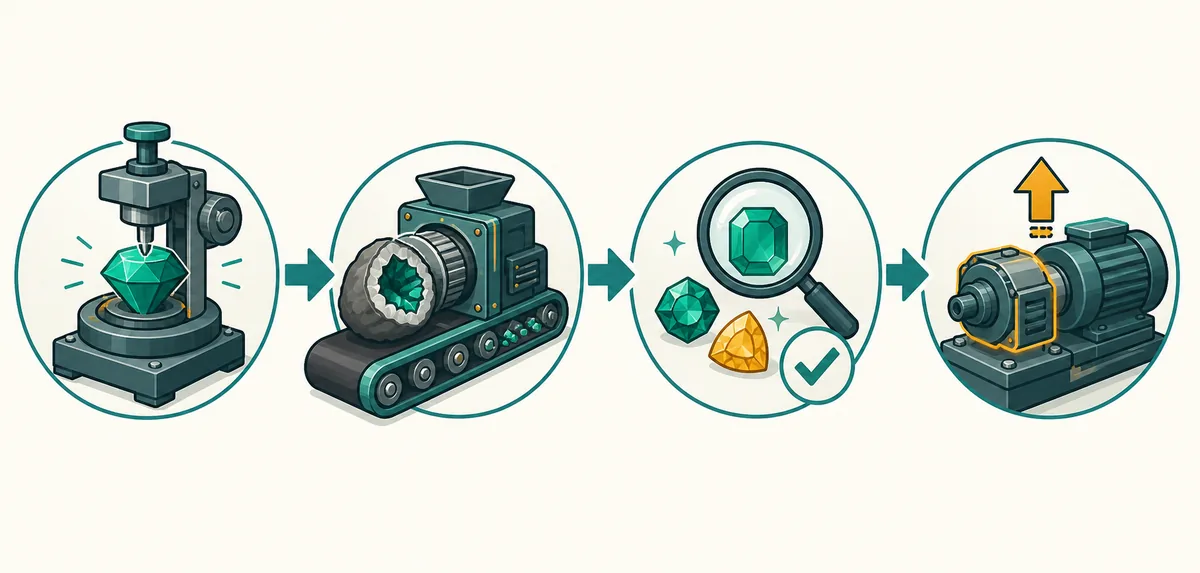
Limits of an offline production estimate
Limits of an offline production estimate
An estimate is useful only when its limits are visible. This guide does not claim an official AFK rate, a guaranteed queue capacity, a permanent offline multiplier, or a value formula for every gem. Those details can change with an update, a server, an event, or an input that the public description does not distinguish.
When you share a result, include the check date and the conditions that shaped it. Say “three returns averaged about this amount under this layout” instead of “the grinder always makes this amount.” The first statement can be checked again; the second turns a small sample into a promise.
The same boundary applies to community reports. A player screenshot or guide can be a useful lead, but label it as a report and preserve its date. Keep official Roblox identity and public description claims separate from your own workshop measurements.
- Date — Record when the return was checked
- Conditions — Keep layout, input, server, event, and absence time
- Evidence — Separate official description, player report, and your observation
Cut a Gem Offline Production FAQ
Cut a Gem Offline Production FAQ
Does Cut a Gem work offline?
The public Roblox description says grinders continue producing while players are offline. It does not publish an exact rate or guarantee that every return produces the same amount.
How do I check Cut a Gem AFK output?
Write down your departure time, return time, layout, starting queue, visible output, and any event or server change. Repeat the same setup before comparing the result.
Why is my offline production lower than expected?
A blocked conveyor, empty input, queue limit, server change, event state, or a partially completed item can affect the return. Inspect the line before buying an upgrade.
Can I calculate an exact Cut a Gem offline rate?
Not from the public sources used here. You can estimate observed output per hour after several comparable returns, but label it as your sample rather than an official rate.
Should I move my grinder after an offline return?
Only after recording the current state. Change one placement or machine variable, then compare another active and offline sample so you can tell whether the change helped.
Is this an AFK calculator or script?
No. It is a manual evidence checklist. Avoid scripts, login forms, or downloads that claim to reveal hidden rates or require Roblox credentials.
Summary: make every offline return useful
Summary: make every offline return useful
Offline production is easiest to judge when you treat the return as a timestamped observation. Count first, inspect the line second, and move machines only after the current queue and output are recorded.
Use similar absence times and the same geode or workshop setup when comparing results. A larger pile after a long wait does not prove a faster machine, and one empty return does not prove that offline production is disabled.
For the next decision, connect this checklist to the workshop setup guide for layout, the buyer offers guide for output comparisons, the geodes guide for input tests, and the Rebirth guide before a reset. The site does not publish a hidden AFK formula because the public evidence does not support one.
Continue with the related evidence-first guides:
Sources and scope
Sources and scope
The broad offline-production statement comes from the public Roblox experience record checked on November 7, 2026. That record supports the grinder/offline loop but does not publish an AFK rate, queue limit, purity formula, or guaranteed value. The steps below are an editorial testing method, not official game instructions.