
Checked: October 30, 2026
Cut a Gem Roblox Margin Guide: Buyer Offers, Purity & Profit
The useful answer to a Cut a Gem margin question is a repeatable record, not a made-up price table. Roblox's public game description says that players grind geodes, accept the highest buyer offer, and profit, but it does not publish a complete purity-to-price formula. This guide shows how to compare offers with the information you can actually see in your workshop.
Quick answer
Quick answer
Compare like with like: use the same geode type, the same machine state, and the same run length, then record the gem's visible purity, buyer offers, and time to output. Accept the highest visible offer only after checking that the offer belongs to the current gem and that the sale actually completes. Treat any margin number as your own test result, not a universal game formula.
What a Cut a Gem buyer offer means
What a Cut a Gem buyer offer means
A buyer offer is the visible decision point after a geode has gone through the workshop. The official description names the loop as grind, sell, and show off rare gems, then tells players to accept the highest offer from buyers. That is enough to define the action, but not enough to publish a universal cash value for every purity or geode.
Use the offer screen as evidence about the current run. It tells you what this item can sell for at this moment; it does not prove that the next geode, server, event, or gear level will use the same number. A useful note includes the geode label, machine state, visible purity, each offer, and whether the sale completed.
This boundary keeps the guide useful when the game changes. You can still choose between offers and upgrades, while avoiding a fake table that looks precise but cannot be checked by another player.
- Input — Write the geode or item you placed into the grinder.
- Process — Note whether the grinder and conveyor completed the run without an idle gap.
- Output — Record visible purity or quality text exactly as the game shows it.
- Offer — Save the highest offer and the time you accepted it.
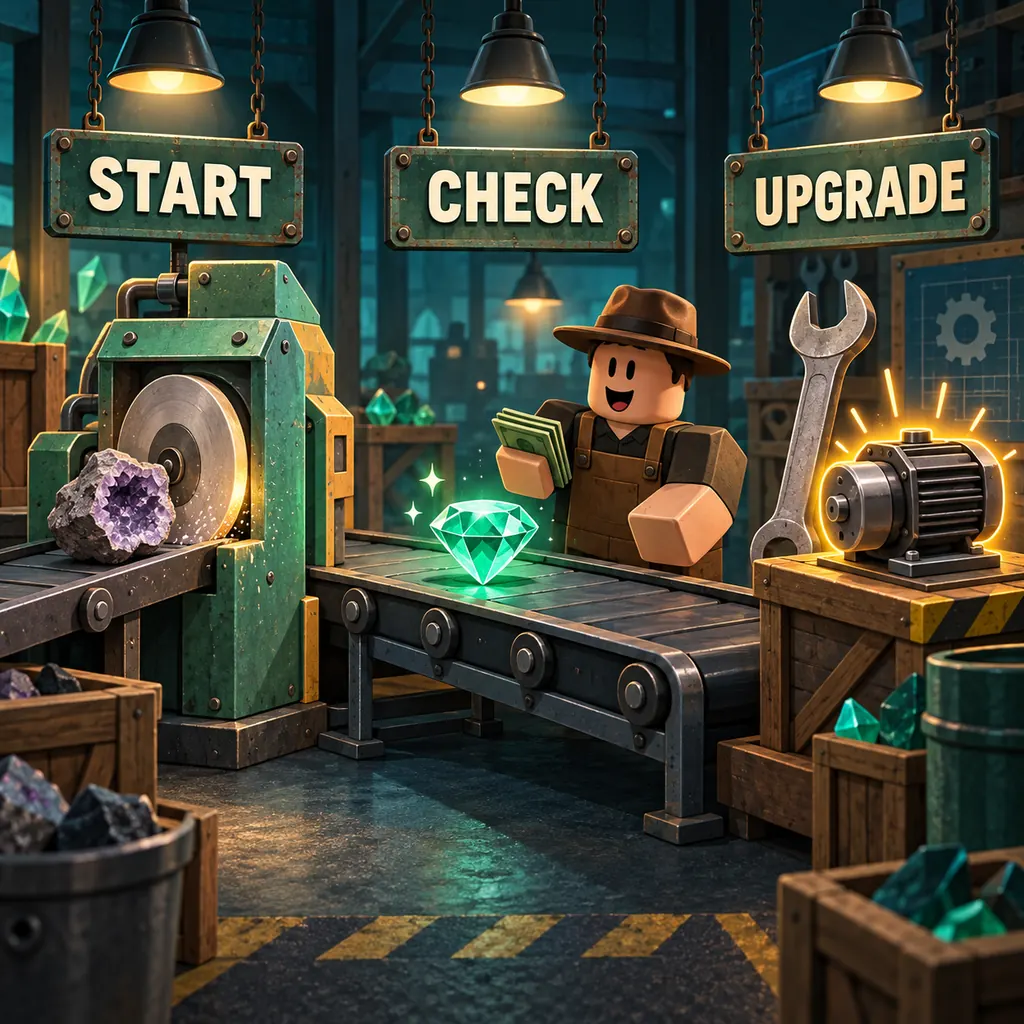
How to measure a Cut a Gem margin
How to measure a Cut a Gem margin
Margin is useful only when the comparison keeps the important variables stable. A short run with a boosted event, a different geode, or a half-empty conveyor can look better or worse for reasons unrelated to the upgrade you are judging. Start a fresh note for each controlled test and keep the raw observations even when the result is inconclusive.
You do not need a perfect spreadsheet. A phone note with the date, server condition, input, purity, offer, and elapsed minutes is enough to see whether a change deserves a second test. If the game exposes no exact cost or sale value, label the result as observed output rather than profit per gem.
After three or more comparable runs, look for direction rather than a magic threshold. A repeatable increase in output per minute is stronger evidence than one unusually high offer. If the samples disagree, report the uncertainty and test the bottleneck again.
| Step | Record | Why it matters | Evidence label |
|---|---|---|---|
| 1 | Input geode and starting state | Prevents a different item from changing the comparison | Observed |
| 2 | Purity or visible quality | Shows what the machine actually produced | Observed |
| 3 | All buyer offers | Keeps the highest-offer decision auditable | Observed |
| 4 | Elapsed time and idle gaps | Makes output-per-minute comparisons fairer | Measured |
| 5 | Upgrade or event state | Separates a machine change from a temporary bonus | Context |
When should you accept the highest offer?
When should you accept the highest offer?
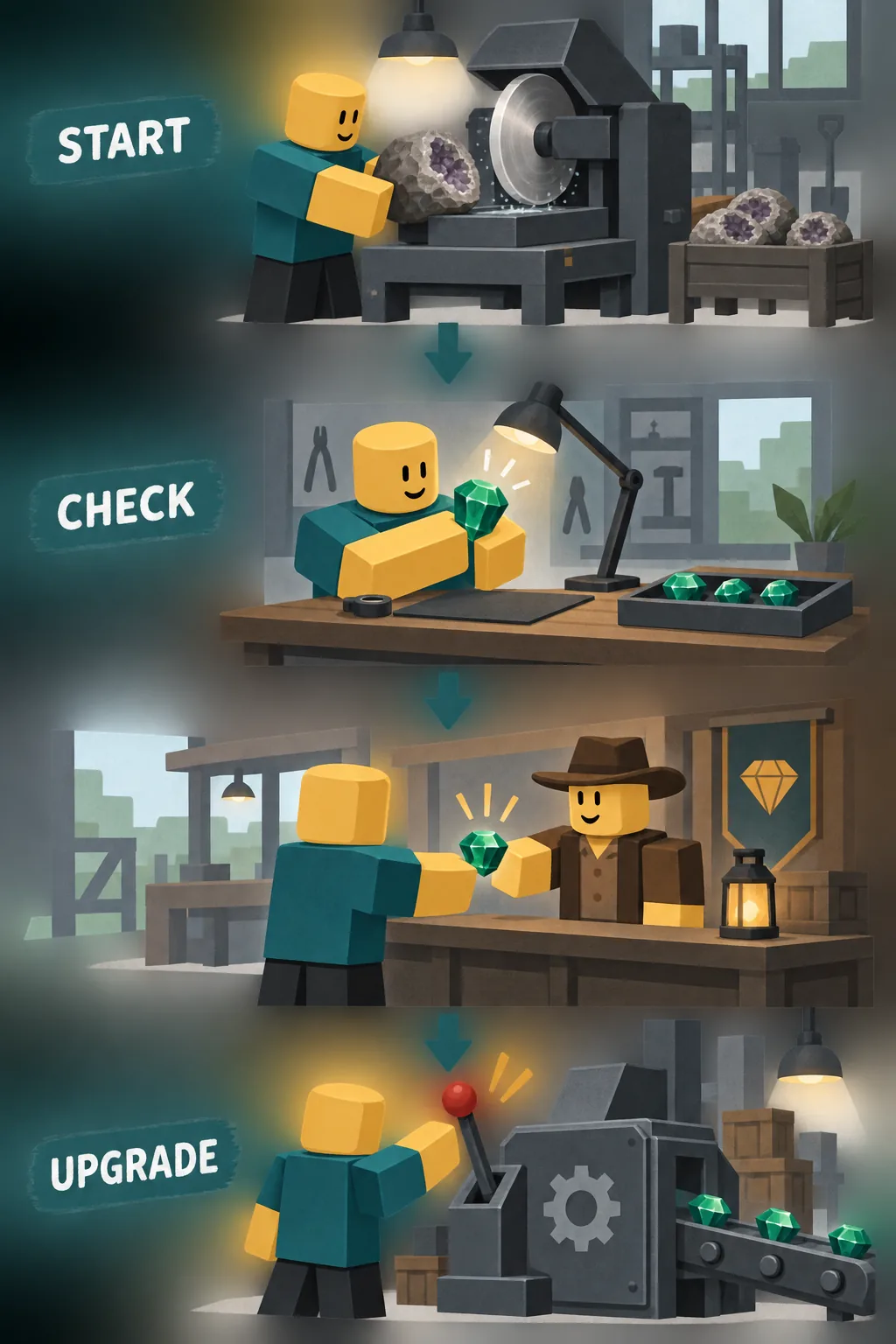
Accepting the highest offer is the default choice supported by the public game description, but the timing still matters. Confirm that the item shown in the buyer panel is the gem you just processed, not an older output left in a queue. If the panel is still loading, wait until the game finishes the current action.
During a test, write down all visible offers before accepting one. That preserves the comparison and helps you catch a changed offer after a gear or totem adjustment. Once the sale is complete, check that the output or cash state changed in the expected place; a click without a completed sale is not a verified result.
If the game introduces a timed event or a special buyer rule, make a separate test label. Do not combine event output with normal output and then call the average a permanent margin.
Confirm the item
Match the buyer panel to the geode and purity you recorded.
Capture the options
Write every visible offer before selecting the highest one.
Complete the sale
Wait for the game to process the sale rather than clicking through a loading state.
Record the result
Note the accepted offer, elapsed time, and any visible cash or inventory change.
Repeat the test
Run the same route again before changing a second variable.
How offline production changes the test
How offline production changes the test
The official Roblox description says that grinders keep running while you are offline. That makes return sessions valuable, but it also makes a raw cash total difficult to compare with a short attended run. When you return, first record how long you were away if the game shows it, then count the collected outputs before changing the layout.
An offline return can include a backlog, a different server state, or an event window you did not watch. Treat it as a separate sample. The useful comparison is not offline total versus one minute of active play; it is repeated return sessions with the same starting setup and a similar time away.
If an upgrade claims to reduce idle time, watch the conveyor during an attended run as well. A larger offline pile does not prove the grinder was faster, and a smaller pile does not prove the gear failed.
- Separate sessions — Label attended runs and return-from-offline runs independently.
- Count before changing — Record the backlog before moving machines or collecting rewards.
- Keep the away time — Use a similar offline duration when comparing two layouts.
- Check the queue — Look for idle or blocked points before blaming the buyer offer.
Pair buyer offers with workshop upgrades
Pair buyer offers with workshop upgrades
A buyer offer can reveal a value problem, but it cannot tell you which component caused it. Use the bottleneck sequence from the workshop and gear guides: confirm the grinder is fed, confirm the conveyor is moving, inspect output quality, and only then test a gear, totem, or layout change.
Change one variable per test. If you replace a grinder and move a conveyor at the same time, a better offer is impossible to attribute. Keep the old setup in your notes so you can return to a known baseline after a disappointing run.
The best upgrade is often the one that removes a visible idle point, not the one with the most impressive name. When public sources do not expose exact bonuses, let repeated observations decide and mark the conclusion as a local test result.
| Observed problem | First check | Next test | Do not claim yet |
|---|---|---|---|
| Grinder waits | Input and placement | Test a feed or layout change | A fixed purity multiplier |
| Conveyor stalls | Path and output space | Test spacing and queue | A guaranteed profit rate |
| Offers vary | Same input and event state | Repeat three comparable runs | A universal buyer ranking |
| Offline pile changes | Away time and backlog | Compare matched return sessions | A hidden offline formula |
Common Cut a Gem profit mistakes
Common Cut a Gem profit mistakes
The most common mistake is treating a single high offer as proof of a permanent margin. A rare output, event bonus, or different starting geode can create a good screenshot without explaining why it happened. Keep the raw note and call it a sample until the route repeats.
Another mistake is mixing sale value with total account progress. Codes, totems, gear, offline backlog, and rebirth decisions can all change the next session. Record those context changes instead of forcing them into one number.
Finally, do not use an external script, login form, or download that promises to reveal hidden buyer prices. The official experience and your own in-game observations are safer evidence than a copied calculator with no source.
- One-run certainty — Avoid calling one offer a confirmed formula.
- Mixed variables — Do not compare different geodes, events, and upgrades as one sample.
- Missing sale check — Confirm that the sale completed before recording the result.
- Copied values — Label third-party numbers as reports until you can verify them.
- Unsafe tools — Keep Roblox credentials and external scripts out of the test.
Cut a Gem Buyer Offers FAQ
Cut a Gem Buyer Offers FAQ
What is the Cut a Gem Roblox margin?
There is no verified public margin formula in the sources used for this guide. Record your own input, purity, offer, and elapsed time so you can compare runs without presenting one observation as a fixed value.
Should I always accept the highest buyer offer?
Usually, the highest visible offer is the sensible choice when the offers belong to the same gem and sale screen. Pause if the game has not finished processing the item, the offer changed after an upgrade, or you are testing a different variable.
How do I test profit in Cut a Gem?
Run the same route several times, write down the starting geode and ending offer, and compare output per minute only after the machine is working normally. Keep event bonuses, codes, and new gear in separate notes.
Does offline production change buyer offers?
Offline production can change how much output you collect before returning, but the public description does not document a separate offline pricing formula. Compare an attended run and a return-from-offline run using the same fields.
Where does Cut a Gem buyer information come from?
The official Roblox game description states that players accept the highest offer from buyers and profit. Exact prices, purity multipliers, and hidden buyer rules still need current in-game evidence.
Is this a Cut a Gem value calculator?
No. A calculator would imply a verified formula that is not public. This page is a test sheet and decision guide; it helps you collect evidence before changing a grinder, conveyor, totem, or gear setup.
Summary: make the offer test repeatable
Summary: make the offer test repeatable
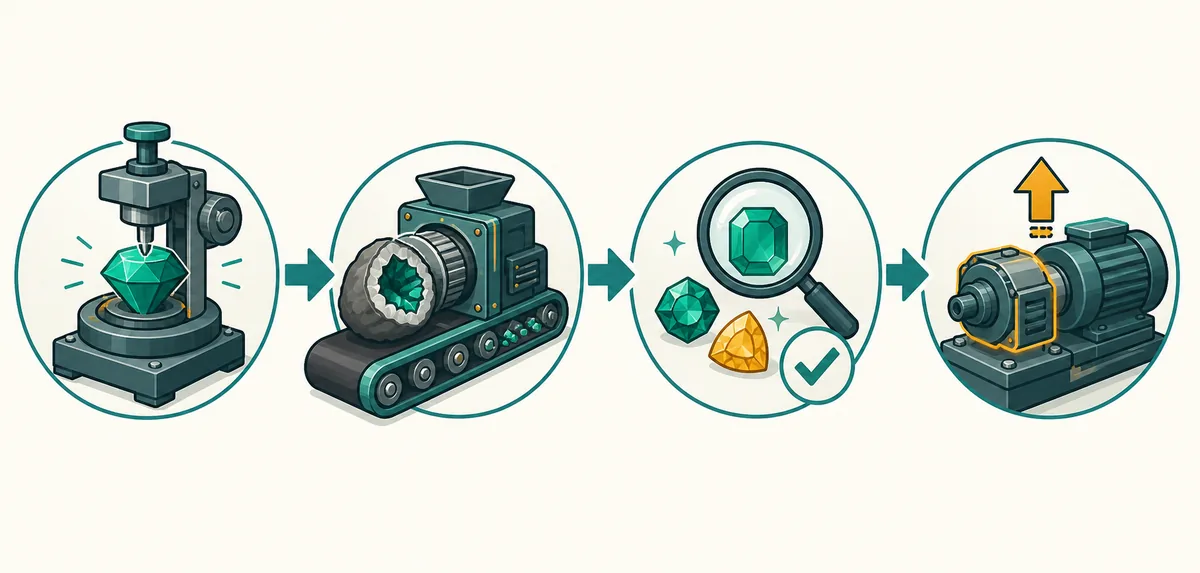
Start with the official loop: place the grinder and conveyor, process a known geode, inspect the finished gem, and compare the visible buyer offers. Record purity, offer, elapsed time, and machine state before you call a run profitable.
The strongest next decision is the one supported by repeated runs. If the grinder is idle, fix the bottleneck first. If output is steady but purity or offers are weak, test one gear, totem, or geode variable at a time. Do not turn a small sample into a permanent ranking.
For a broader route, connect this page to the geodes comparison, workshop setup, gear priorities, and rebirth checks. Those pages cover neighboring decisions; this page stays focused on the buyer-offer and margin question.
Continue with the related evidence-first guides:
Compare geodes and buyer checks
Sources and scope
Sources and scope
The game loop below is anchored to the public Roblox universe record checked on October 30, 2026. The record supports grinding geodes, offline production, accepting the highest buyer offer, and profit language; it does not publish exact prices or a margin formula.